A fully configurable workflow management system

1Point1 offers the best configurable workflow system to end unorganized processes, streamline request management, and enable seamless cross-departmental collaboration.

Contact Us
Why companies
choose 1Point1

Workflow Systems by 1Point1 delivers the foundational tools necessary to digitize, streamline, and master your complex business processes.

Engagement-Driven Platform
Every feature is designed to increase employee participation, foster peer-to-peer communication, and drive up internal alignment and morale.
Effortless Collaboration
Break down organizational silos. The system ensures every request and approval involves the right people across multiple departments at the right time.
Unified Request Management

End unorganized processes and scattered requests. 1Point1 is the single source of truth for all business process management (BPM) needs.
Fast Time-to-Value
With easy-to-use functionality, implementation is quick, allowing you to upgrade your operations and see measurable efficiency gains immediately.
150+
Successful
deployments
40%
Average increase in productivity
95%
User adoption
rate
16+
Years of
experience

Workflow Systems

Workflow Systems by 1Point1 provides a comprehensive set of features designed to move your processes from complex confusion to streamlined, measurable digital efficiency.

01/6
Left arrow icon for navigation
Right arrow icon for navigation
Functionality
  • Initiate Request: A user can initiate a new request themselves or on behalf of someone else, and also see the process flow & different levels of approvals.
  • Add Notes: Users can add supporting information as a note so that the approver can gain crucial details of the request.
  • Documents: Upload any image, document or spreadsheet while creating a new task by choosing the file from the file explorer.
Access & Authorization
  • Assign Access: Admins can choose to assign roles such as reporting manager, supervisors and approver according to their requirement.
  • Set Conditions: The company can set parameters according to the different values, specifications and type of the request that is being generated.
  • Delegate: Allows a different user the right to approve/reject any request on his/her behalf. This feature is useful in the absence of a RM/supervisor.
Progress Tracking
  • Email: Email notifications will be sent to the request initiator whenever any action such as approval, rejection, new note etc. is made on the request.
  • Pending Actions: Check past requests and pending actions on current requests they have generated or the ones that need their action under this menu section.
  • Process Flow: Users can see a progress bar which has different icons when they log-in, showing the process flow of requests in the workflow system.
Request Cycle
  • Approve: Define approval levels for requests, thus collaborating with supervisors from different departments & ensuring approvals are processed on time.
  • Reject: Supervisors or Reporting Manager can reject the request, add a comment in the notes section and ask the request initiator to re-submit it for approval.
  • Recycle: The reporting manager can perform this action if he/she wants some changes which can mentioned in the added notes/comment section.

See what your business could achieve with Workflow Systems:

Streamline Processes

It’s an efficient workflow system that allows employees to collaborate, reduce bottlenecks & increase scalability.

Dynamic Dashboard

Well-designed graphical dashboard that shows the user the entire process of a request from initiation to approval.

Eliminate Errors

With our workflow system, employees can cut down errors by following a strict procedure for every request.

Our case studies

Real success from real organizations

Automating workflows for seamless collaboration in a US-based cybersecurity firm – young woman facing evenly distributed monitors displaying programming code

Automating workflows for seamless collaboration in a US-based cybersecurity firm

A cybersecurity firm boosted efficiency and collaboration by streamlining workflows with SharePoint and Power Automate, eliminating delays and approval bottlenecks.

Read More
Internet portal to a medical research center

1Point1 delivers a dynamic intranet portal to a medical research center

A major research center leveraged 1Point1’s intranet portal to enhance collaboration, boost engagement, and improve operations.

Read More
Our blogs

See the latest IT insights

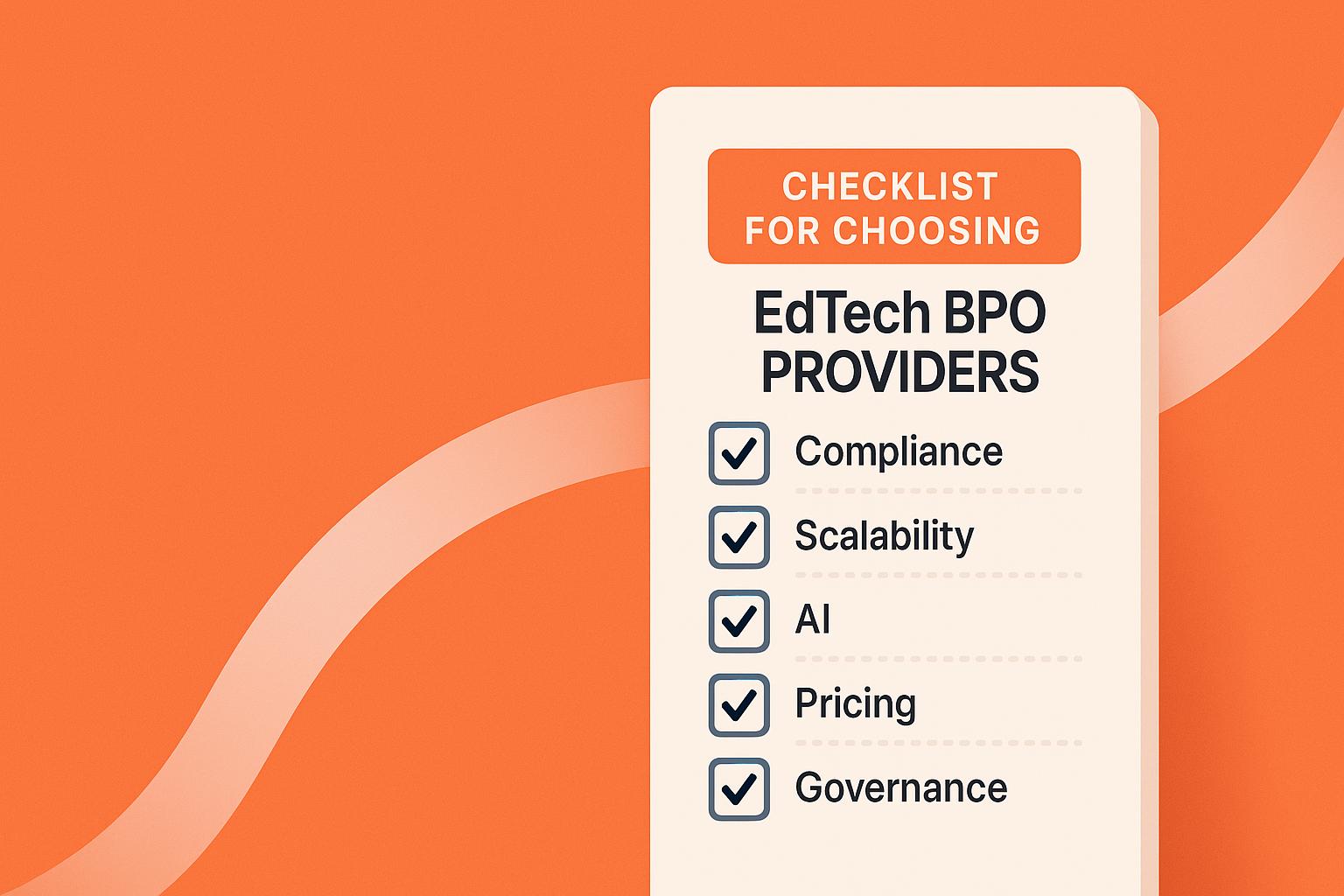
Checklist for Choosing EdTech BPO Providers

Checklist for selecting EdTech BPOs: define requirements, verify FERPA/COPPA compliance, evaluate AI and hybrid models, test scalability, and compare pricing and governance.
Learn more

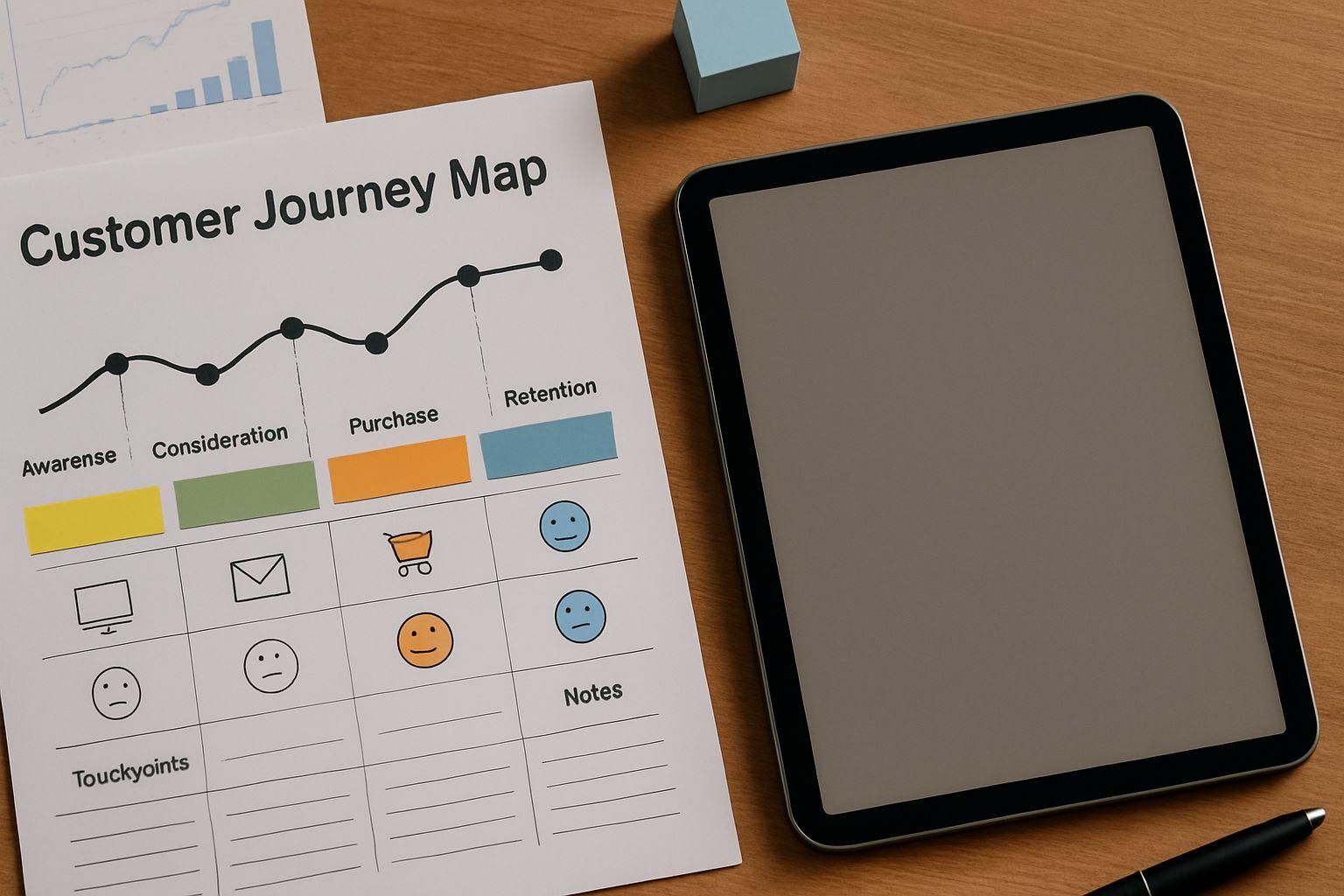
How AI Improves Customer Journey Mapping

Explore how AI revolutionizes customer journey mapping by providing real-time insights, personalization, and efficiency to enhance customer experiences.

Learn more

AI vs. Traditional Analytics for Customer Insights

Explore the differences between AI-driven and traditional analytics in understanding customer insights, highlighting benefits and use cases for each approach.

Learn more